



Wills and Estate Planning File Notes: An Instructions Template and Example
Learn what to record when taking will and estate-planning instructions, with a practical File Note template and worked example for lawyers.
Read articleRecord client meetings, dictate notes, or import existing audio. LexVoda uses on-device AI to create structured draft legal file notes, with a transcript available for review, without uploading matter content to a cloud AI service.
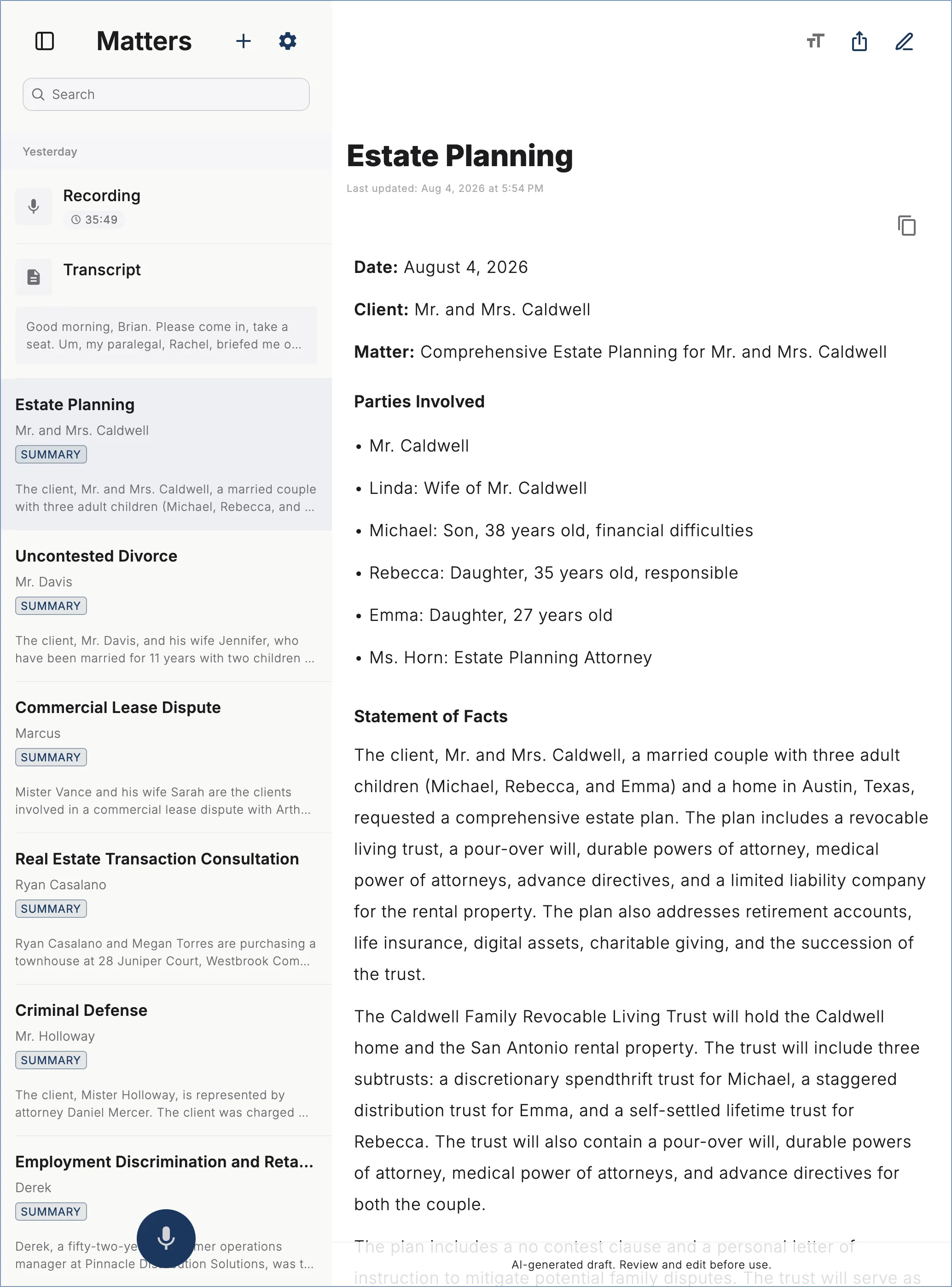
Turn client meetings, interviews, and post-meeting dictation into transcripts and structured AI file notes for you to review and edit.
Record or Import Legal Audio
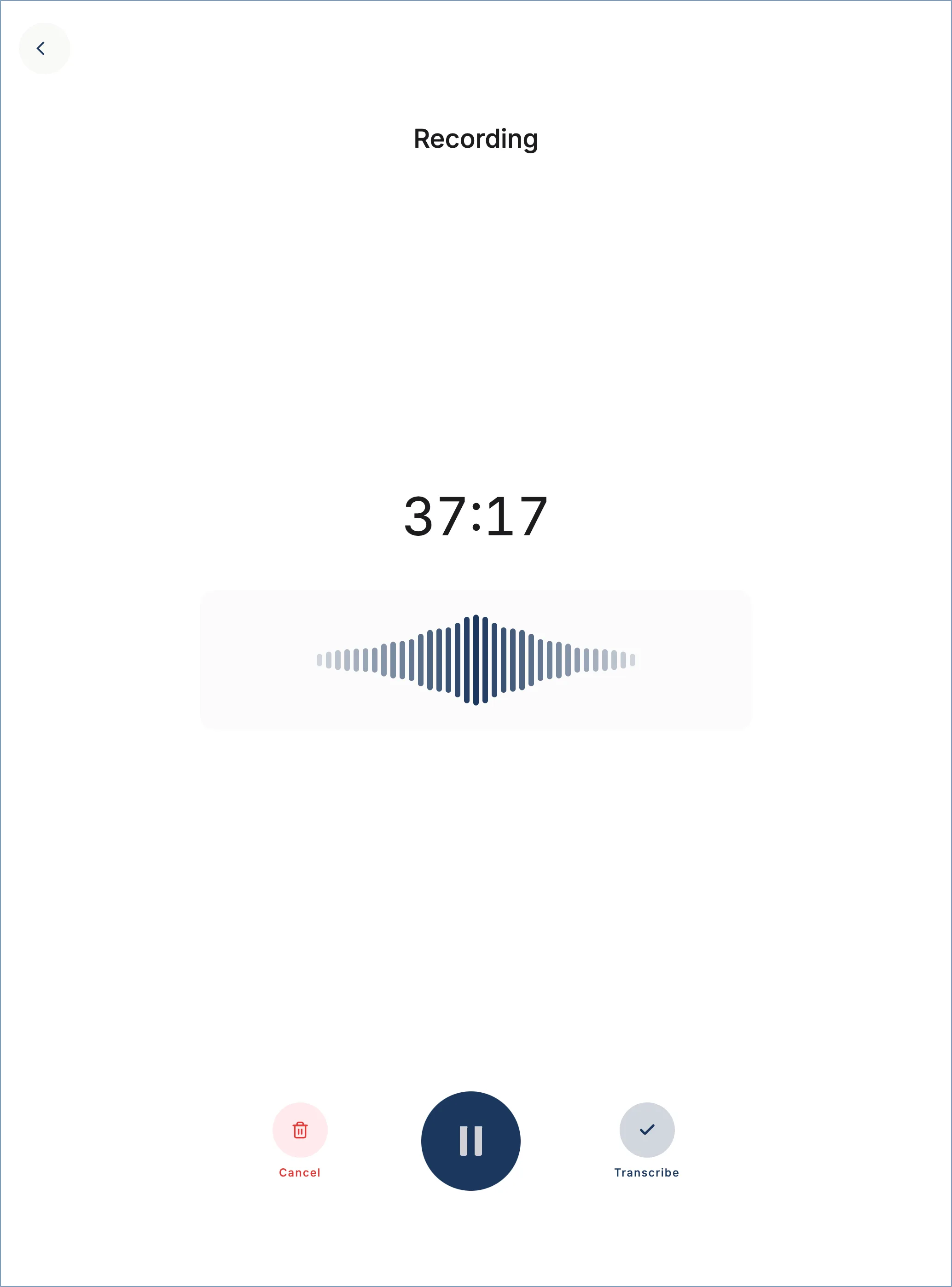
iPad, screenshot 1 of 8: Record or Import Legal Audio
Practical Legal Workflow
LexVoda is an on-device AI File Notes app for lawyers and legal professionals. It turns recorded or imported audio into a transcript and structured draft file note in minutes, with review and export tools built for legal practice.
LexVoda performs AI file notes drafting and legal meeting transcription on your device. Recordings, transcripts, and draft file notes are not uploaded to a LexVoda-operated cloud AI service by those features.
Structured draft AI file note generation and legal meeting transcription run locally and work without an internet connection. Network access may still be used for App Store purchases, support, external pages, or services you choose to use.
Structured matter data is stored in an encrypted local database. Recordings and other app files are kept in app-controlled locations and rely on the security protections provided by your device and operating system.
Choose whether LexVoda deletes a recording from app storage immediately after transcription. You can also clear completed audio or delete all app data from Settings.
Use Face ID or supported device authentication to restrict access to LexVoda, with configurable lock timing when you leave the app.
On-device processing can reduce third-party exposure, but practitioners remain responsible for recording consent, privacy, confidentiality, professional obligations, and independent review of every AI-generated draft.
LexVoda Basic includes five free matters. LexVoda Pro unlocks unlimited structured AI file notes generation and legal meeting transcription through a monthly or annual App Store subscription.
Month-to-month access to unlimited on-device processing
Billed monthly via Apple In-App Purchase • Cancel anytime
The same unlimited Pro access, billed annually
Equivalent to approximately $41.67 / month (save $99.89 versus 12 monthly payments)
Five free matters are included before an upgrade is required for additional on-device processing. No LexVoda account is needed.
Privacy, supported devices, exports, and responsible use.
LexVoda's transcription and AI-assisted drafting features process recordings, transcripts, and draft file notes on your device and do not send that content to a LexVoda-operated cloud AI service. Content can leave your device when you choose to export or share it, include it in support or feedback, or use a backup, synchronisation, email, or other third-party service.
LexVoda stores matter data in its private app storage, which other apps cannot normally read under Apple's app sandboxing protections. Matter data can become available outside LexVoda when you choose to export or share it, save it to a shared location, include it in a backup or synchronisation service, or send it through another app.
On-device processing can reduce disclosure to cloud AI providers, but it does not by itself satisfy every legal or professional obligation. You remain responsible for recording consent, privacy, confidentiality, security, supervision, and independently reviewing and correcting all AI-generated drafts.
Yes. LexVoda can import supported audio recordings selected from your device. After processing, you can share or save summaries and transcripts as PDF, RTF, or TXT and export retained audio as M4A.
LexVoda stores structured matter data in an encrypted local database, while recordings and other app files use protections provided by your device and operating system. You can also enable App Lock with supported device authentication. Keep your device passcode and operating system up to date, and use Apple's device-security tools to lock or erase a lost device where available.
Explore product guidance and carefully reviewed articles about private, on-device AI and legal workflows.
Learn what to record when taking will and estate-planning instructions, with a practical File Note template and worked example for lawyers.
Read article
A practical guide for US attorneys to family law client meeting notes, with a File Note template, worked example, checklist, and AI review guidance.
Read article
See how the foldable iPhone Duo combines pocketable client-meeting recording with an iPad-like workspace for LexVoda draft File Notes.
Read article
Explore an estate planning legal File Note example, with transcript excerpts, a corrected draft, and LexVoda's local recording and AI workflow.
Read article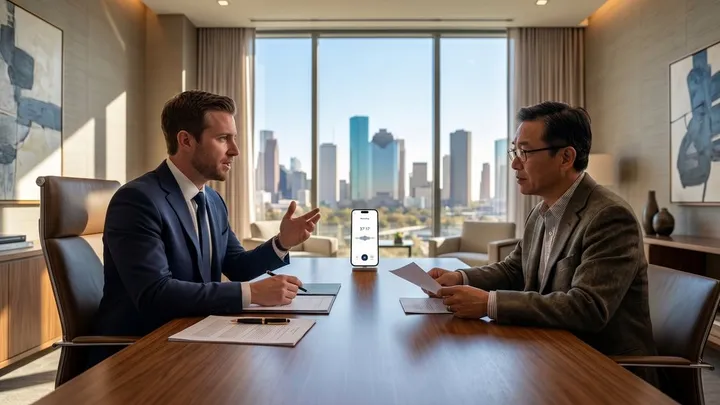
Compare the best AI note takers for lawyers by privacy, transcription accuracy, legal File Notes, offline processing, review tools, integrations, and workflow fit.
Read article
Can AI write legal File Notes? Learn the benefits, risks and review process, and how LexVoda creates AI-generated draft File Notes on-device.
Read articleTurn client conversations and dictations into structured draft legal file notes with on-device AI. Try your first 5 matters free.
Requires a supported iPhone, iPad, or Apple silicon Mac with 8 GB or more of memory
